
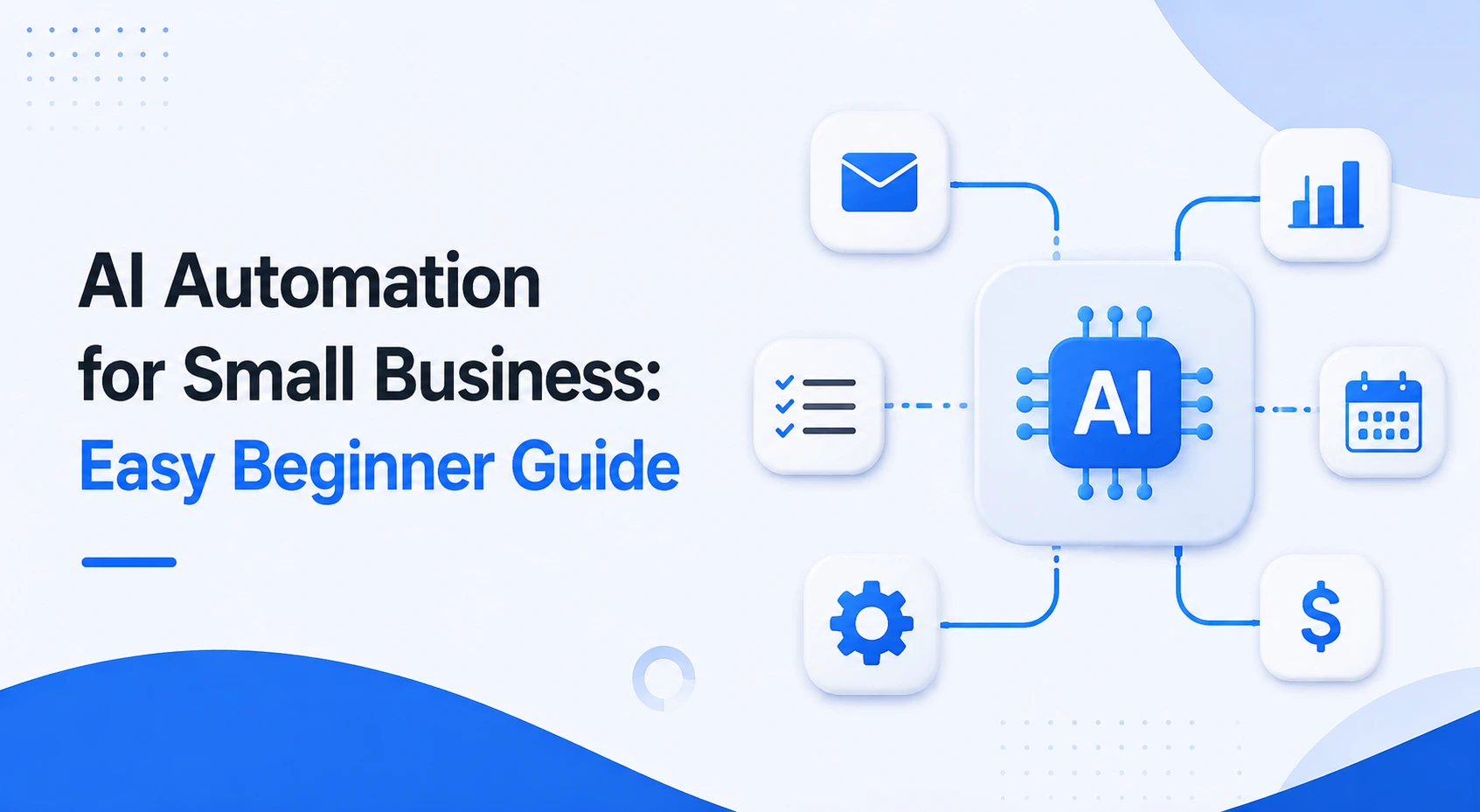
Running a small business means wearing many hats, but repetitive tasks shouldn’t slow your growth. With AI automation for small business, you can automate daily work, improve customer service, and save valuable time using simple no-code tools. This guide explores the best AI solutions and practical workflows to help your business work smarter in 2026.
What Is AI Automation for Small Business?
AI automation for small business means using artificial intelligence to complete everyday tasks with little or no manual work. Instead of spending hours on repetitive jobs, business owners can let AI handle many of them automatically.
Unlike traditional automation, AI can understand text, recognize patterns, and make simple decisions based on the information it receives. This makes it useful for businesses that want to improve productivity without hiring more staff.
How AI Automation Works
Most AI automation tools follow a simple process:
- They receive information from a source, such as a website form, email, or customer message.
- AI analyzes the information and decides what should happen next.
- The tool performs an action automatically, such as sending an email, updating a spreadsheet, creating a task, or answering a customer question.
For example, when someone fills out a contact form on your website, an automation can save the customer’s details in your CRM, send a welcome email, and notify your sales team within seconds.
Many modern platforms also offer no-code builders, allowing users to create these workflows without writing code.
Why Small Businesses Benefit the Most
Small businesses often have limited budgets and small teams. Owners usually manage sales, customer service, marketing, and daily operations at the same time.
AI automation helps by taking over repetitive tasks, giving business owners more time to focus on growth, customer relationships, and strategic decisions.
Even automating one or two daily processes can save several hours every week while reducing human errors.
Common Myths About AI Automation
Many business owners believe AI automation is expensive or difficult to use. In reality, many popular tools offer free plans or affordable monthly subscriptions designed for small businesses.
Another common myth is that AI replaces employees. In most cases, AI handles repetitive work, allowing employees to spend more time on tasks that require creativity, problem-solving, and personal communication.
Finally, some people think automation requires programming skills. Today, many AI platforms use simple drag-and-drop interfaces that make automation accessible to beginners.
Why Small Businesses Are Adopting AI Automation Faster Than Ever
AI automation is no longer limited to large companies with dedicated IT teams. Affordable software and no-code platforms have made it possible for small businesses to automate everyday work in just a few hours.
Whether you run an online store, a local service business, or a small agency, automation can help you work more efficiently while keeping costs under control.
Save Time on Repetitive Work
Many business owners spend hours every week replying to similar emails, organizing customer information, scheduling appointments, or posting on social media.
AI automation completes these repetitive tasks automatically, allowing owners to focus on activities that generate revenue and build stronger customer relationships.
Saving even one hour each day adds up to hundreds of productive hours over the course of a year.
Lower Operating Costs
Hiring additional employees is not always possible for a growing business. AI automation helps teams accomplish more work without increasing payroll expenses.
For example, an AI assistant can answer frequently asked questions, while an automation platform can move customer information between different applications without manual data entry.
Reducing repetitive work also lowers the chance of costly mistakes caused by human error.
Improve Customer Experience
Customers expect fast responses, even outside regular business hours.
AI chatbots can answer common questions instantly, help visitors find products, collect contact information, and even schedule appointments. Automated email sequences can also keep customers informed after they make a purchase or submit an inquiry.
These improvements create a smoother customer experience while reducing the workload on your team.
Best AI Automation Tools for Small Businesses
Choosing the right tools is one of the easiest ways to start AI automation. The best platforms are simple to learn, affordable, and flexible enough to automate everyday business tasks without coding.
The table below highlights some of the most practical AI automation tools for small businesses in 2026.
| Category | Tool | What It Automates | Ease of Use & Cost |
|---|---|---|---|
| Workflow Automation | Make, Zapier | Connect apps, move customer data, automate invoices and notifications | Free plans available, beginner-friendly |
| Customer Support | ManyChat, Chatbase | Answer customer questions, automate chats, book appointments | Affordable plans, no-code builders |
| Organization & Admin | Notion AI, Airtable | Manage documents, write emails, organize projects and business data | Free plans with ready-made templates |
| Marketing & Content | Buffer, Canva AI | Create social media content, generate designs, schedule posts | Free plans suitable for small businesses |
Workflow Automation Tools
Platforms like Make and Zapier connect hundreds of business applications without requiring programming knowledge. They can automatically move information between tools, reducing manual work and keeping data organized.
For example, when a customer submits a form on your website, an automation can instantly save the information to Google Sheets, create a task in Notion, and send a confirmation email.
Customer Support Automation
ManyChat and Chatbase help businesses provide instant customer support around the clock.
These tools can answer common questions, collect customer information, recommend products, and direct users to the right service without waiting for a human agent.
For small businesses with limited staff, this means faster response times and better customer satisfaction.
Practical AI Automation Workflows You Can Build Today
The easiest way to start with AI automation is by improving one business process at a time. Instead of automating everything at once, focus on workflows that save the most time and reduce repetitive work.
Here are three practical examples that many small businesses can build using no-code tools.
Automatically Capture Leads
When a visitor fills out a contact form, tools like Make or Zapier can automatically send the information to Google Sheets or Notion, create a customer record, and trigger a welcome email through Gmail.
This removes manual data entry and ensures every lead is stored safely without extra effort.
Automate Customer Support
ManyChat can answer frequently asked questions on Facebook Messenger, Instagram, or WhatsApp at any time of the day.
It can also collect customer details, share product information, and guide users toward booking a consultation or making a purchase before a team member joins the conversation when needed.
Schedule Marketing Content
AI-powered tools such as Canva AI and Buffer can generate social media graphics, write captions, and schedule posts for the coming weeks.
Instead of creating content every day, businesses can prepare an entire month’s marketing plan in a single session and let automation publish each post at the right time.
If you’re new to building these kinds of automated workflows, our AI Automation Bootcamp Guide for Beginners provides a step-by-step introduction to creating reliable no-code automations with confidence.
How to Start AI Automation Without Coding
Starting with AI automation does not have to be difficult. Most small businesses can build their first workflow in less than a day using no-code tools. The key is to begin with one simple process and improve it over time.
Choose One Repetitive Task
Look for a task that you or your team repeat every day. It could be replying to common customer questions, saving contact form submissions, sending welcome emails, or scheduling social media posts.
Automating just one repetitive task helps you see quick results without changing your entire workflow.
Use No-Code Automation Platforms
No-code platforms make AI automation accessible to everyone, even if you have no technical experience.
Tools like Make and Zapier let you connect popular business apps through visual drag-and-drop builders. You can create workflows that move information between Gmail, Google Sheets, Notion, CRMs, and many other applications without writing a single line of code.
Many AI-powered platforms also provide ready-made templates, making it even easier to get started.
Test Before Expanding
After creating your first automation, test it several times using sample data. Make sure every step works correctly before using it with real customers.
Once you are confident that the workflow is reliable, you can automate additional processes one at a time. This gradual approach reduces errors and makes it easier to manage your growing automation system.
Common Mistakes Small Businesses Should Avoid
AI automation can deliver excellent results, but only when it is implemented carefully. Avoiding a few common mistakes will help you save time, reduce frustration, and get better value from your automation tools.
Automating Everything Too Early
One of the biggest mistakes is trying to automate every business process at once.
Instead, focus on your most repetitive and time-consuming tasks first. Once those workflows are running smoothly, you can gradually automate other parts of your business.
A step-by-step approach is easier to manage and allows your team to adapt to new processes.
Ignoring Data Quality
Even the best AI tools depend on accurate information.
If customer records contain duplicate entries, incorrect email addresses, or outdated information, your automations may produce poor results or send messages to the wrong people.
Before building workflows, spend some time organizing and cleaning your business data.
Choosing Tools with Unnecessary Features
Many software platforms include advanced features that small businesses may never use.
Instead of choosing the platform with the longest feature list, focus on tools that solve your current business needs. Simple, easy-to-use software often provides a better return on investment than complex systems that require extensive training.
As your business grows, you can always upgrade to more advanced solutions.
Should You Hire an AI Automation Consultant?
Many small businesses can build simple automations on their own. However, there are situations where working with an experienced consultant can save both time and money.
The right choice depends on the size of your business, the complexity of your workflows, and your long-term goals.
When DIY Is Enough
If you only want to automate basic tasks such as lead capture, email responses, appointment scheduling, or social media publishing, no-code platforms usually provide everything you need.
Most beginners can create these automations by following tutorials and using pre-built templates.
When Expert Help Makes Sense
If your business needs to connect multiple systems, automate complex workflows, or integrate AI into existing operations, hiring an expert may be the better option.
An experienced consultant can design efficient workflows, reduce implementation mistakes, improve security, and recommend tools that fit your business goals.
If you’re considering professional assistance, our AI Automation Consulting explains what to look for when selecting a consultant and how to avoid common hiring mistakes.
Frequently Asked Questions
Is AI automation expensive?
Not necessarily. Many AI automation platforms offer free plans or affordable monthly subscriptions that are ideal for small businesses. You can often automate basic tasks without making a large investment and upgrade only as your business grows.
Can I automate my business without coding?
Yes. Most modern AI automation tools are designed for non-technical users. No-code platforms use visual builders and ready-made templates, allowing you to create workflows without programming experience.
Which AI tool should I start with?
The best tool depends on your needs. If you want to connect different apps and automate workflows, Make or Zapier are excellent starting points. For customer support, ManyChat is a popular choice. If your focus is content creation and scheduling, Canva AI and Buffer provide simple solutions for small businesses.
AI automation is no longer just for large companies. By starting with one simple workflow and choosing the right tools, small businesses can reduce manual work, improve efficiency, and deliver a better customer experience. The sooner you begin, the faster you’ll see the benefits of AI automation for your small business.
